What to look for in a personal trainer app
A personal trainer app should do more than store a list of exercises. It should help you decide what to do next, make that workout practical for today, and stay with you while you train.
Start with a coach, not a library of templates
Exercise libraries and generic plans can be useful references, but they leave the hardest question to you: which workout makes sense today? A personal trainer app is most valuable when it starts from your goal and gives you a clear decision instead of another menu.
With S3SSIONS, the coach learns about your goal and turns it into a plan with training blocks and principles. When it is time to train, it can use your recent activity and today’s context to create the next session.
Your full training context should count
Training does not only happen inside one app. You might lift in the gym, run with Apple Watch, cycle with Garmin, play volleyball, or add a hybrid conditioning session during the week. A coach that only sees one of those activities is working with an incomplete picture.
S3SSIONS brings completed workouts from Apple Health together with the sessions you do in the app. That lets your coach consider your wider recent training when it suggests what comes next. For a closer look at the Apple Watch side, read our Apple Watch workout app guide.
The right workout also depends on where you are
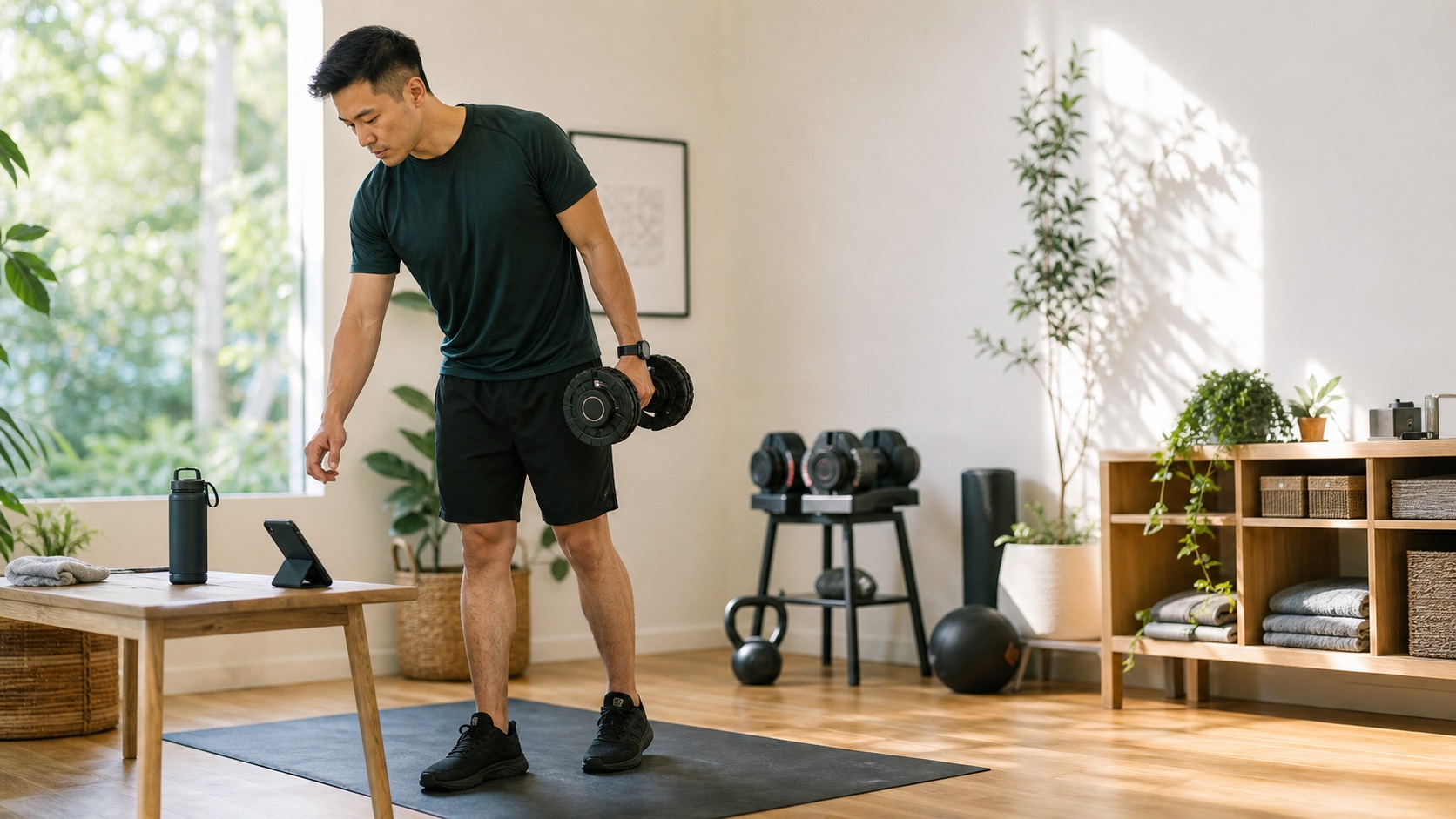
A good recommendation is one you can complete. At home, you may only have a mat and a few weights; at the gym, you may have a full rack; at a park, bodyweight movements may be the better fit. On the road or bike, the session needs a different structure altogether.
S3SSIONS uses the location and equipment you have available to shape a session for the setting. That keeps “personal” grounded in practical choices, not just a personalised title on a generic plan.
Guidance during the workout matters
The moment training starts is where an app should earn its place. Look for clear, in-session guidance: what is next, how many reps or how long, when to rest, and the cue you need without breaking your flow.
S3SSIONS guides strength sessions with sets, timers, weights and cues. For running, it supports guided intervals with GPS, splits and heart-rate zone targets. You can train on iPhone, hand workouts off to Apple Watch, or use Live Activity on the lock screen.
It should be easy to adjust the plan
A coach should be flexible when life changes. Some days you need a shorter session; other days an exercise does not suit the space or equipment. In S3SSIONS, you can ask the coach to make a workout shorter, harder, swap an exercise or add a finisher, and the workout updates in place.
That keeps the focus on training rather than rebuilding a session from scratch. If your goal is built around a race format, explore how this applies to a hybrid fitness training plan.
FAQ
Do I need an Apple Watch to use S3SSIONS?
No. Your iPhone can guide every workout, including timers, sets and GPS run tracking. Apple Watch adds live heart rate, pace and zone feedback on your wrist, plus a seamless handoff for compatible workouts.
Can a personal trainer app help if I train in different places?
Yes. When you tell S3SSIONS where you are and what equipment is available, the coach can shape the next session for home, the gym, a calisthenics park, outdoor running or cycling.
Is S3SSIONS only for gym workouts?
No. It supports strength, HIIT, calisthenics, functional training, mobility and guided running. Activities from other sources can also form part of the training context through Apple Health.
Put a coach in your pocket
Tell S3SSIONS your goal, connect your training and get a practical next workout in seconds.
Download S3SSIONS on the App Store